10. Analytics and Datalab
🧪 Analytics and Datalab
🚀 What is Jupyter Lab and Why Is It Useful?
OpenGate comes with Jupyter Lab pre-installed and ready to use — no setup required.
You can access it directly from the Analytics section in the Web Console.
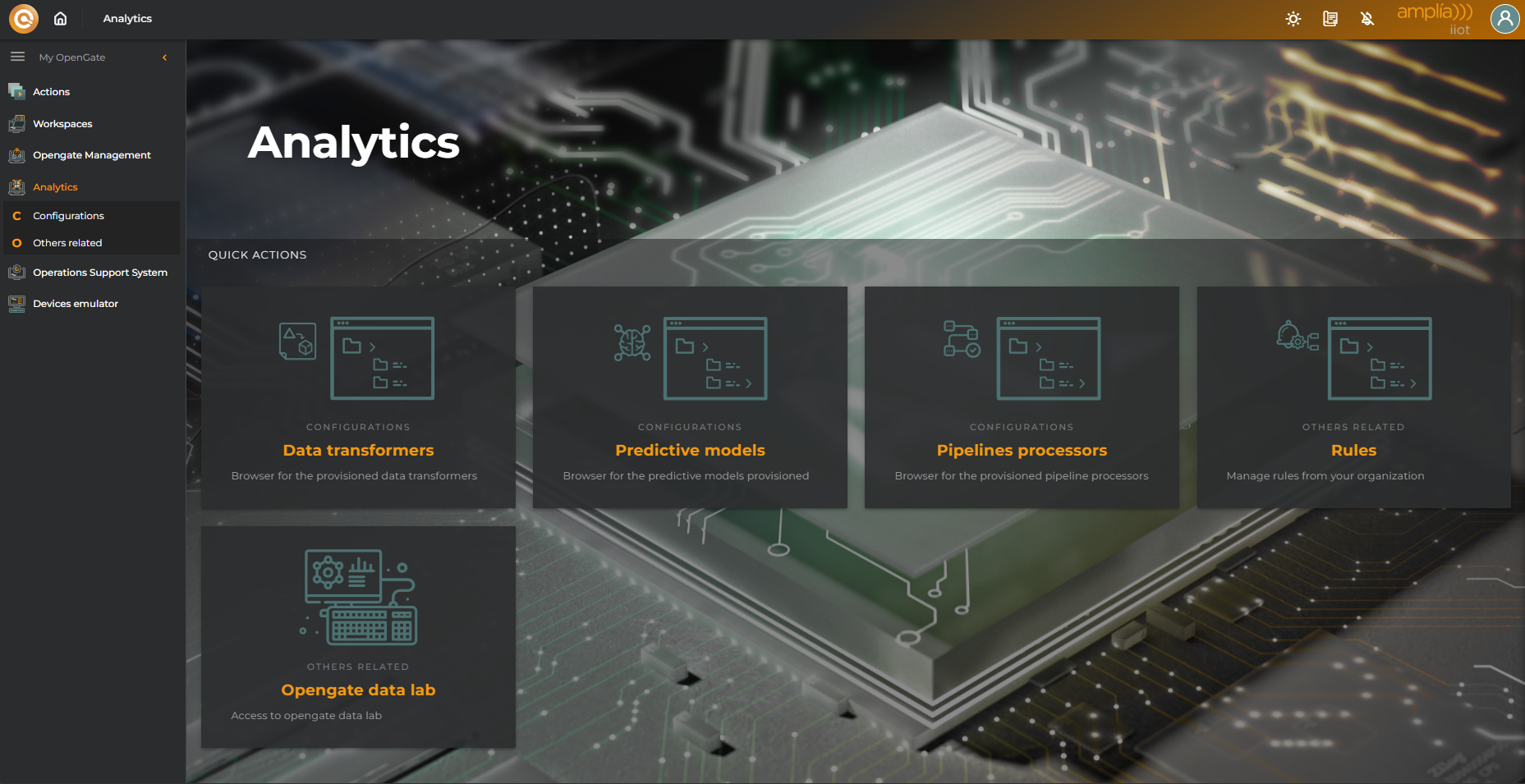
Jupyter Lab is an interactive development environment that lets you:
- Create and run jupyter notebooks with Python code
- Visualize data in real time
- Document your analysis step by step
- Combine text, code, and graphics in a single workspace
It’s perfect for exploratory data analysis, rapid prototyping, and technical documentation.
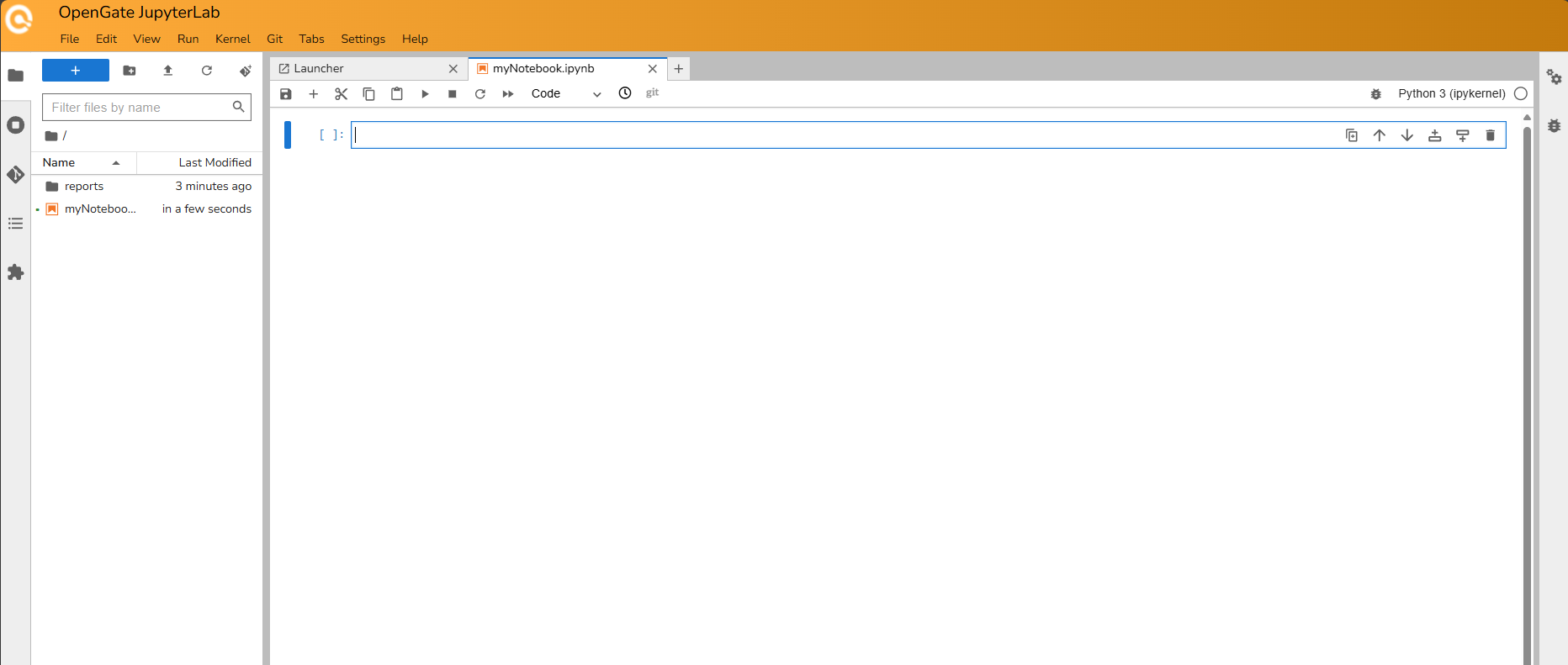
Once it’s open, you will access to the OpenGate Jupyter Lab interface to work with your notebooks:
🛠️ OpenGate Data: Your Python Superpower
The data generated or the results of your experiments with python can be reinjected in OpenGate!! but how? Easy… Using the opengate-data library…
The opengate-data library is a Python package designed to integrate OpenGate into your Python projects which is available by default on your OpenGate Data Lab instance.
It provides tools to interact with OpenGate’s APIs efficiently and intuitively.
Key features include:
- 🔍 Reading data from OpenGate
- ✍️ Writing data back to OpenGate
- 🧬 Automatic conversion to
pandas.DataFrame
This means you can leverage the full power of pandas for advanced data manipulation, filtering, and visualization within your notebooks.
🖥️ Install it locally
Do you want to play locally? Installation is simple:
📊 Why Is pandas So Powerful?
pandas is the go-to library for data analysis in Python.
The fact that opengate-data works seamlessly with DataFrame objects unlocks a wide range of possibilities:
- Filter data by time, entity, or value
- Group and summarize information
- Create visualizations using
matplotlib,seaborn, or other tools - Export to CSV, Excel, or databases
💡 This transforms OpenGate from a data collection platform into a full-fledged analytics engine.
✅ What You’ve Learned
With this final tutorial, you’ve completed the full journey through OpenGate:
- From accessing the platform and navigating the console
- To modeling, provisioning, and visualizing data
- Through rules, operations, and connectors
- And finally, to advanced analytics using notebooks and Python
🎓 You now have everything you need to build end-to-end IoT solutions — from device to insight.