The Four Probes
One listens, three ask
Axiom Border looks at the network with four probes. The split that matters is not what they scan but whether they speak: one of them observes without emitting a single packet, and three of them ask questions and read the answers.
| Probe | How it works | What it produces | When it runs |
|---|---|---|---|
| Passive analysis | Listens to the traffic reaching its capture interface. Emits nothing | Assets indexed by MAC address, which address belongs to which device, LLDP neighbours, the services actually in use, sixteen industrial protocols in play — four of which never touch IP, traffic volume per host, what kind of point the probe is plugged into, and vulnerabilities inferred from device identity | Continuously, persisting what it has learned on a configurable interval |
| Network discovery | Port scanning over TCP, and UDP if you ask for it | The real state of a port — open or closed — the service behind it, and an operating-system guess | On a schedule, or on demand |
| Vulnerability scanning | A template engine that sends the probes a check needs | Findings with their severity, the check that fired, and what it matched. Includes a purpose-built industrial suite for Modbus, IEC-104, DNP3, BACnet and OPC UA | On a schedule. The layer that writes to devices needs two separate locks released |
| SNMP | Queries v1, v2c or v3, using stored credential profiles | Values by symbolic name or numeric OID, and full sweeps, resolved against the bundled vendor catalogue | On a schedule, or on demand |
All four feed the same Network status view, and their launch controls sit in its header:
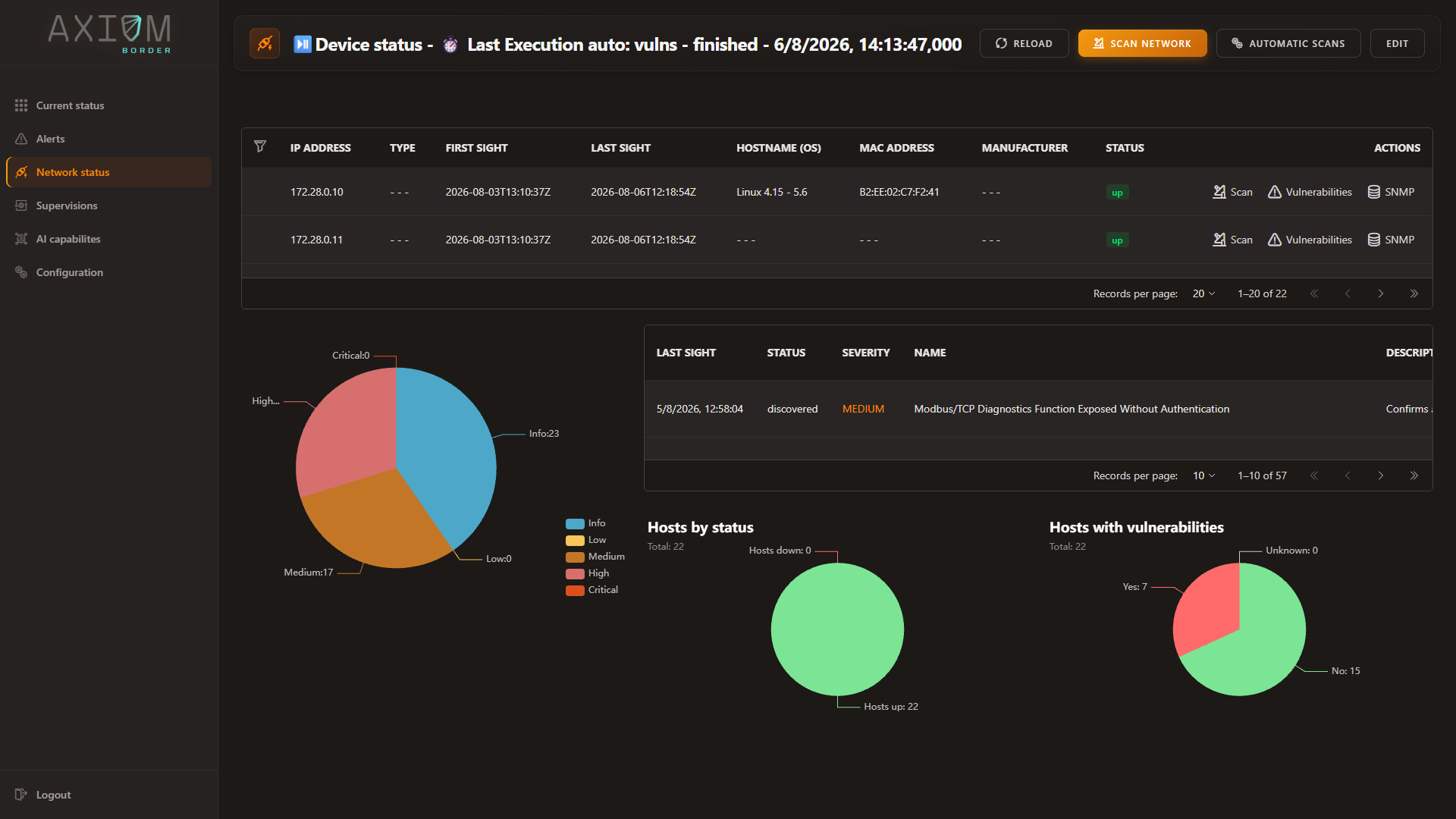
- Passive analysis opens what the listening probe has worked out, on its own terms.
- Scan network launches a discovery run now.
- Automatic scans opens the schedules for all of them, in the Configuration view.
Turning off the passive probe does not stop discovery
The four are independent. Switching continuous passive analysis off leaves discovery, vulnerability scanning and SNMP populating the inventory as before — and the reverse holds too. What you lose is the half of the picture that nothing else can produce, which the next page is entirely about.
The contract the three active probes share
Launching a scan does not block. The three asking probes behave identically here, and knowing the contract is what lets you tell “still working” from “gave up”:
- The request is accepted immediately and comes back with an identifier for that run.
- The run reports one of three states: in progress, failed, or finished successfully.
- Only one discovery run happens at a time. Asking for a second one while the first is going is refused, unless you explicitly force it — which cancels the running one and marks it as failed rather than pretending it finished.
The Network status header shows the state of the most recent run, so the view always says whether what you are looking at is current or still being assembled.
A scan interrupted by a restart does not hang forever
If the probe restarts while a scan is running — a reboot, a service restart, a power cut — that run can never finish, because the process that owned it is gone. On start-up, every execution still marked as in progress is moved to failed.
The practical consequence: a run that shows as in progress is genuinely in progress. It is not a ghost left over from last week, and you do not have to guess which it is.
What each probe is for, in practice
- Reach for network discovery to answer what is listening here, right now. It is the only one that can confirm a port is genuinely open, because it is the only one that knocks.
- Reach for vulnerability scanning once discovery has given it a baseline to work from. Its industrial suite is what separates this from a general-purpose scanner, and its write-capable checks are switched off behind two locks — read OT/ICS vulnerability scanning before enabling anything against a live plant.
- Reach for SNMP when you want the device’s own account of itself. Symbolic names work without internet access because the vendor catalogue ships with the product.
- Passive analysis you do not reach for. It is always running, and it is the one that works when the other three cannot.
Full operating detail for all four lives in Security assessment.
Next: Passive and active — why these are two kinds of claim, not two views of the same data.