Organization

Subsections of Organization

Advanced bulks administration

From this location, you can view and manage the advanced bulks within your organization.

How it Works

Bulks Advanced Administration

This panel is comprised of the following widget:

The navigation bar contains the actions that can be performed:

  • Refresh refreshes the content of the list.
  • Actions Menu displays all available actions (the same as those in the widget).
Bulks Advanced Administration Actions

Section Configuration

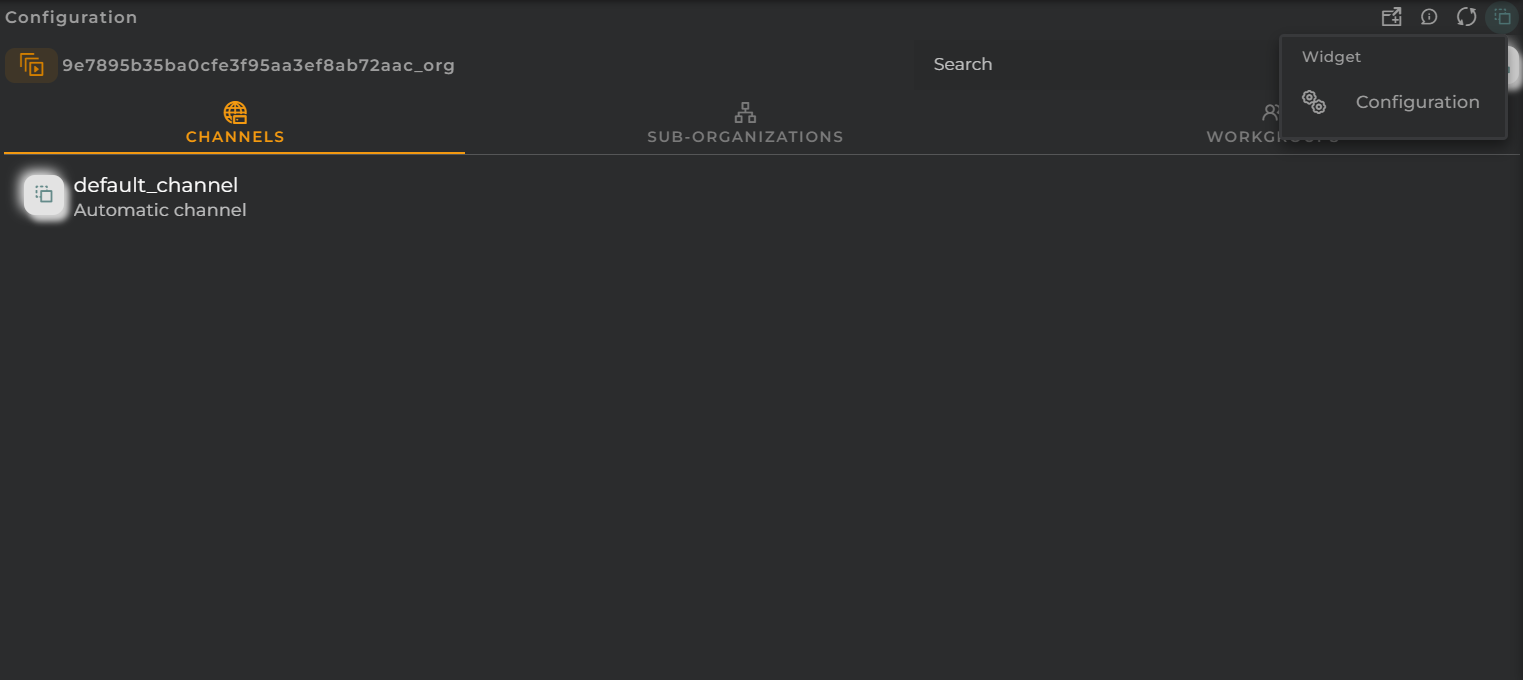
From the Action Menu, you can access the configuration of the widget corresponding to the section.

  • Configuration opens the widget’s configuration.
  • Default allows resetting the configuration to its initial state.

Areas Administration

From this location, you can view and manage the map areas within your organization.

How it Works

Areas Administration

This panel is comprised of the following widgets:

The navigation bar contains the actions that can be performed:

  • Filter allows you to apply a filter to the list.
  • Refresh refreshes the content of the list.
  • Actions Menu displays all available actions (the same as those in the widget).
Areas Administration Actions

By toggling Map/List, you can switch between the list view and the map view.

Areas Administration Map

Section Configuration

From the Action Menu, you can access the configuration of the widget corresponding to the section.

  • Configuration opens the widget’s configuration.
  • Default allows resetting the configuration to its initial state.

Bulk Administration

From this location, you can view and manage the bulks within your organization.

How it Works

Bulks Administration

This panel is comprised of the following widget:

The navigation bar contains the actions that can be performed:

  • Refresh refreshes the content of the list.
  • Actions Menu displays all available actions (the same as those in the widget).
Bulks Administration Actions

Section Configuration

From the Action Menu, you can access the configuration of the widget corresponding to the section.

  • Configuration opens the widget’s configuration.
  • Default allows resetting the configuration to its initial state.

Bundles Administration

From this location, you can view and manage the bundles within your organization.

How it Works

Bundles Administration

This panel is comprised of the following widget:

The navigation bar contains the actions that can be performed:

  • Filter allows you to apply a filter to the list.
  • Refresh refreshes the content of the list.
  • Actions Menu displays all available actions (the same as those in the widget).
Bundles Administration Actions

Section Configuration

From the Action Menu, you can access the configuration of the widget corresponding to the section.

  • Configuration opens the widget’s configuration.
  • Default allows resetting the configuration to its initial state.

Certificates Administration

From this location, you can view and manage your organization’s certificates.

How it Works

Certificates Administration

This panel is comprised of the following widget:

The navigation bar contains the actions that can be performed:

  • Filter allows you to apply a filter to the list.
  • Refresh refreshes the content of the list.
  • Actions Menu displays all available actions (the same as those in the widget).
Certificates Administration Actions

Section Configuration

From the Action Menu, you can access the configuration of the widget corresponding to the section.

  • Configuration opens the widget’s configuration.
  • Default allows resetting the configuration to its initial state.

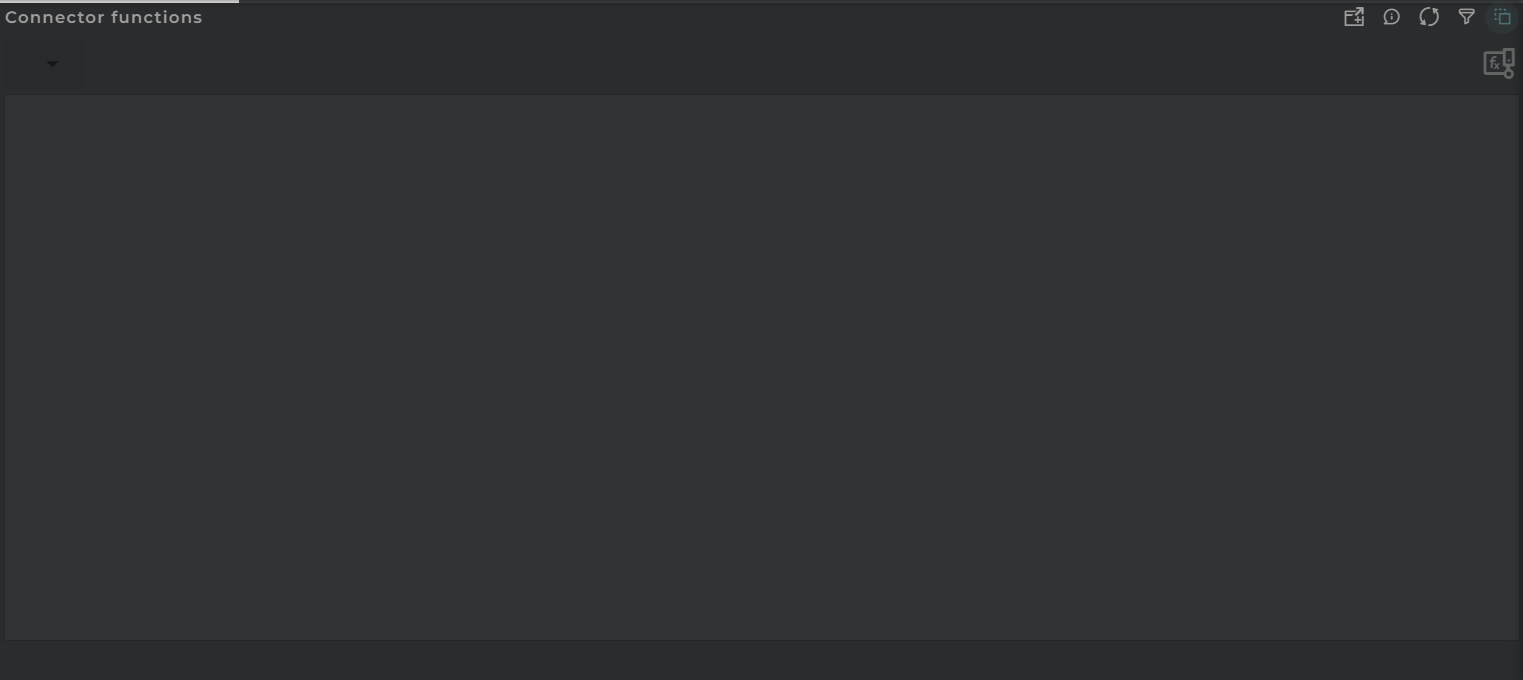
Connector Functions Administration

From this location, you can view and manage the connector functions of your organization.

How it Works

Connector Functions Administration

This panel is comprised of the following widget:

The navigation bar contains the actions that can be performed:

  • Refresh updates the content of the list.
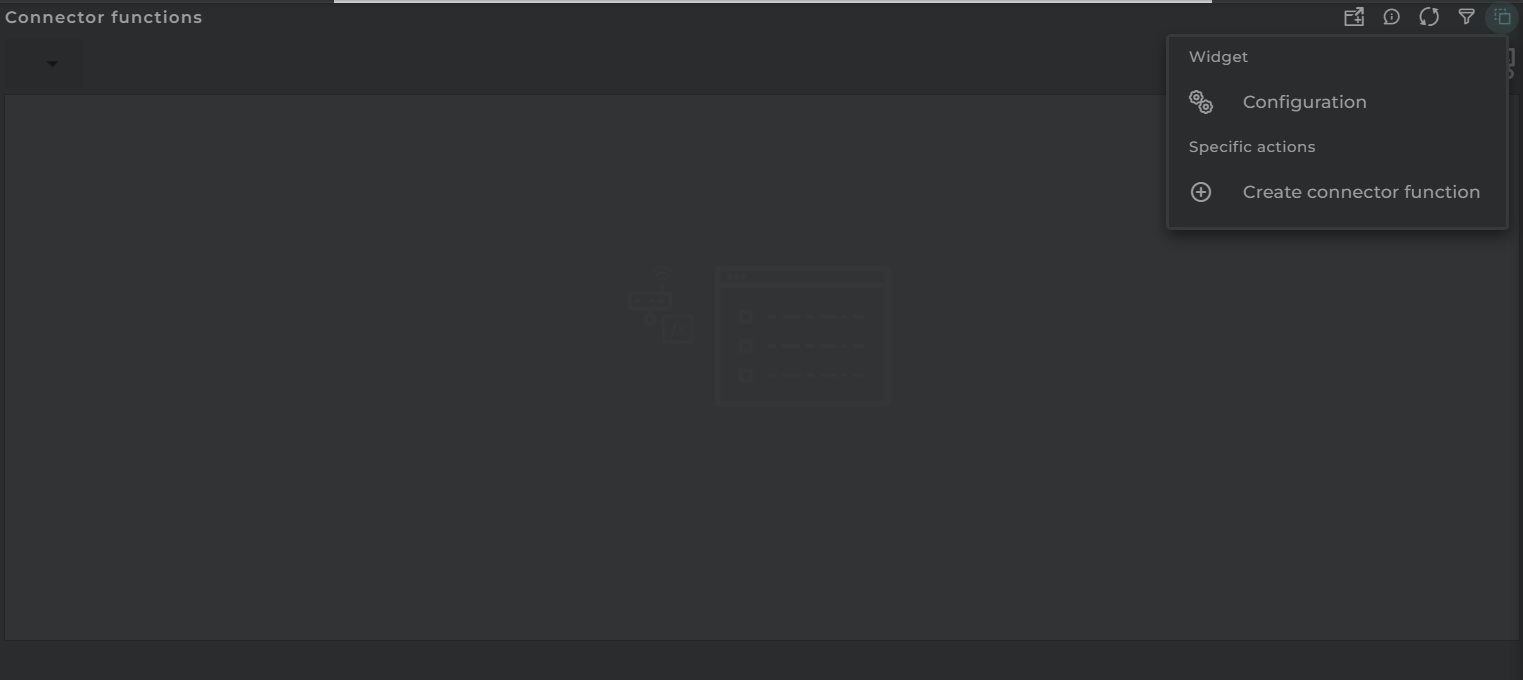
  • Actions Menu displays all available actions (the same as those in the widget).
Connector Functions Administration Actions

Section Configuration

From the Action Menu, you can access the configuration of the widget corresponding to the section.

  • Configuration opens the widget’s configuration.
  • Default allows resetting the configuration to its initial state.

Data models Administration

From this location, you can view and manage the data models of your organization.

How it Works

Data models Administration

This panel is comprised of the following widget:

The navigation bar contains the actions that can be performed:

  • Filter allows you to apply a filter on the list.
  • Refresh updates the content of the list.
  • Actions Menu displays all available actions (the same as those in the widget).
Data models Administration Actions

Section Configuration

From the Action Menu, you can access the configuration of the widget corresponding to the section.

  • Configuration opens the widget’s configuration.
  • Default allows resetting the configuration to its initial state.

Data Sets Administration

From here, you can view and manage the datasets of your organization.

How it Works

Data Sets Administration

This panel is made up of the following widget:

The navigation bar provides a range of actions that can be performed:

  • Filter allows for the application of a filter on the data set list.
  • Refresh updates the content of the list.
  • Actions Menu displays all available actions (identical to those found in the widget).
Data Sets Administration Actions

Section Configuration

From the Action Menu, you can access the configuration of the widget corresponding to the section.

  • Configuration opens the widget’s configuration.
  • Default allows resetting the configuration to its initial state.

Manufacturers Administration

Here you can view and manage the manufacturers and models within your organization.

How it Works

Manufacturers Administration

This panel consists of the following widget:

NOTE: There is the possibility to view manufacturers by organization by selecting the equivalent widget

The navigation bar includes several actions that can be executed:

  • Filter allows you to apply a filter to the list.
  • Refresh updates the content of the list.
  • Actions Menu displays all available actions (the same as those in the widget).
Manufacturers Administration Actions

Section Configuration

From the Action Menu, you can access the configuration of the widget corresponding to the section.

  • Configuration opens the widget’s configuration.
  • Default allows resetting the configuration to its initial state.

Operation Types Administration

From here, you can view and manage the operation types within your organization.

How it Works

Operation Types Administration

This panel consists of the following widget:

Every operation type includes its custom view if exists. An operation type cannot be deleted while custom views are configured for it.

The navigation bar contains various actions that can be performed:

  • Refresh updates the content of the list.
  • Actions Menu displays all available actions (the same as those in the widget).
Operation Types Administration Actions

Section Configuration

From the Action Menu, you can access the configuration of the widget corresponding to the section.

  • Configuration opens the widget’s configuration.
  • Default allows resetting the configuration to its initial state.
Organizations Administration

From here, you can view and manage the elements of our organization.

How it Works

Organizations Administration

This panel is comprised of the following widget:

The navigation bar outlines the actions that can be performed:

  • Refresh updates the content of the list.
  • Actions Menu displays all the available actions.
Organizations Administration Actions

Section Configuration

From the Action Menu, you can access the configuration of the widget corresponding to the section.

  • Configuration opens the widget’s configuration.
  • Default allows resetting the configuration to its initial state.
Provision Functions Administration

From this panel, you can view and manage the provision functions of our organization.

How it Works

Provision Functions Administration

This panel is comprised of the following widget:

Within the navigation bar are the actions that can be performed:

  • Refresh updates the content of the listing.
  • Actions Menu displays all available actions (identical to those available in the widget).
Provision Functions Administration Actions

Section Configuration

From the Action Menu, you can access the configuration of the widget corresponding to the section.

  • Configuration opens the widget’s configuration.
  • Default allows resetting the configuration to its initial state.

Rules Administration

From this panel, you can view and manage the rules of our organization.

How it Works

Rules Administration

This panel is comprised of the following widget:

Within the navigation bar are the actions that can be performed:

  • Refresh updates the content of the listing.
  • Actions Menu displays all available actions (identical to those available in the widget).
Rules Administration Actions

Section Configuration

From the Action Menu, you can access the configuration of the widget corresponding to the section.

  • Configuration opens the widget’s configuration.
  • Default allows resetting the configuration to its initial state.

Time series Administration

From this panel, you can view and manage the time series data of our organization.

How it Works

Timeseries Administration

This panel is composed of the following widget:

The navigation bar contains the following actionable items:

  • Filter allows you to apply a filter to the list.
  • Refresh updates the content of the list.
  • Actions Menu displays all the available actions (the same as those in the widget).
Timeseries Administration Actions

Section Configuration

From the Action Menu, you can access the configuration of the widget corresponding to the section.

  • Configuration opens the widget’s configuration.
  • Default allows resetting the configuration to its initial state.

Time series functions Administration

From this panel, you can view and manage the time series functions of our organization.

How it Works

Timeseries Functions Administration

This panel is composed of the following widget:

The navigation bar contains the following actionable items:

  • Filter allows you to apply a filter to the list.
  • Refresh updates the content of the list.
  • Actions Menu displays all the available actions (the same as those in the widget).
Timeseries Functions Administration Actions

Section Configuration

From the Action Menu, you can access the configuration of the widget corresponding to the section.

  • Configuration opens the widget’s configuration.
  • Default allows resetting the configuration to its initial state.

User Administration

From here, you can view and manage the users of your organization.

How it Works

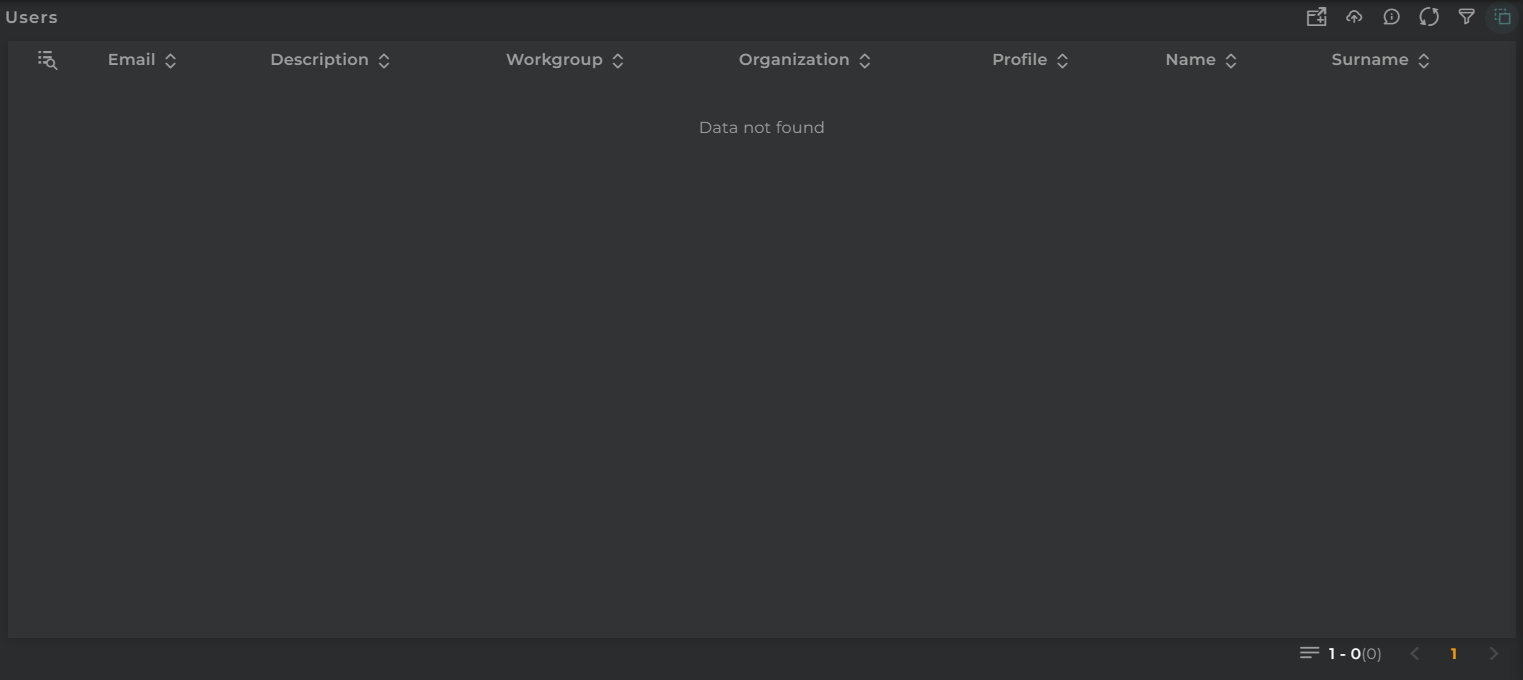
User Administration

This panel consists of the following widget:

The navigation bar contains the actions that can be performed:

  • Filter allows you to apply a filter to the list
  • Refresh refreshes the content of the list
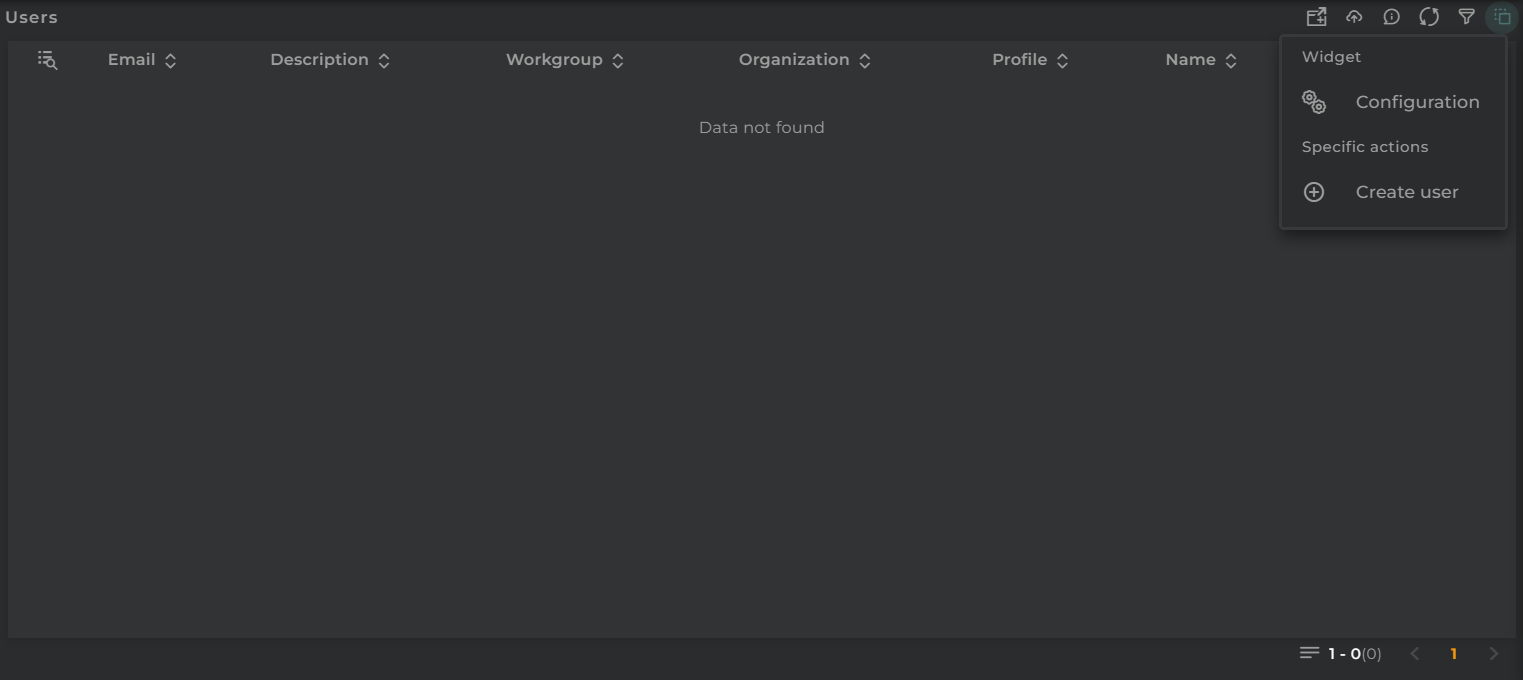
  • Action Menu displays all available actions (the same as those in the widget)
User Administration Actions

Section Configuration

From the Action Menu, you can access the configuration of the widget corresponding to the section.

  • Configuration opens the widget’s configuration.
  • Default allows resetting the configuration to its initial state.