Image Execution Scheduler
Allows scheduling the execution of an image.
Steps
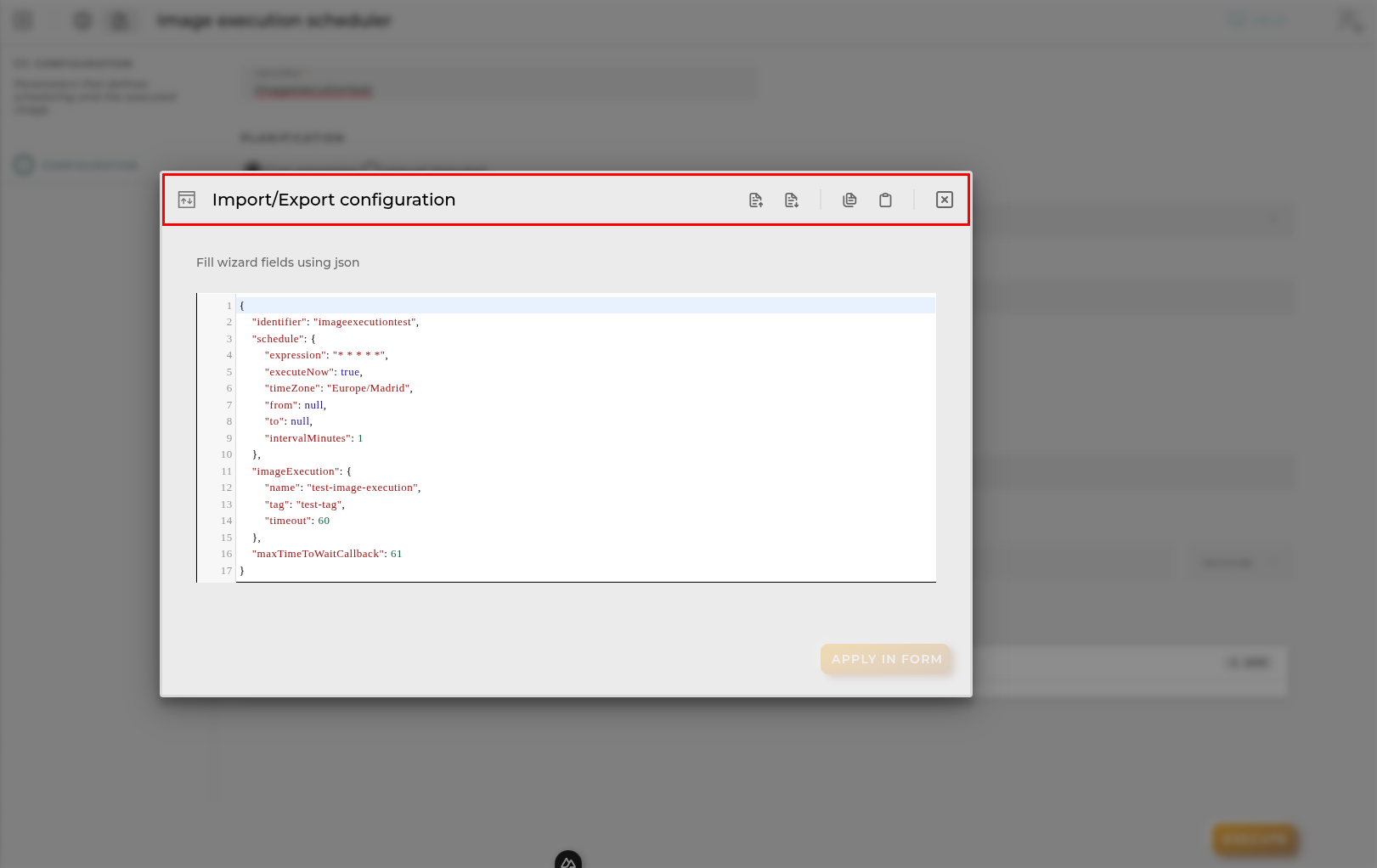
Image Execution Form
Essential data for registering and identifying an image execution in the platform.
Not all fields are mandatory.
Identifier: The email address must be valid.
Name: The name of the image.
Tag: The tag of the image.
Max time for execution: The maximum time to wait for the execution to complete.
Max wait for callback: The maximum time to wait for the callback to complete. This value must be greater than the max time for execution.
Environment variables: Environment variables to be used for the execution.
Planification
There is two options for planification:
Cron Expression
Cron expression: The cron expression to be followed.
Timezone: The timezone to be used for the cron expression.
Interval
Interval (minutes): The interval in minutes to be followed.
Both options are mutually exclusive. Also you can define a start and end date for the schedule.
From Date: The date when the schedule should start.
To Date: The date when the schedule should end.
Finally you can mark the Execute now checkbox to execute the request immediately after creation apart from the schedule.
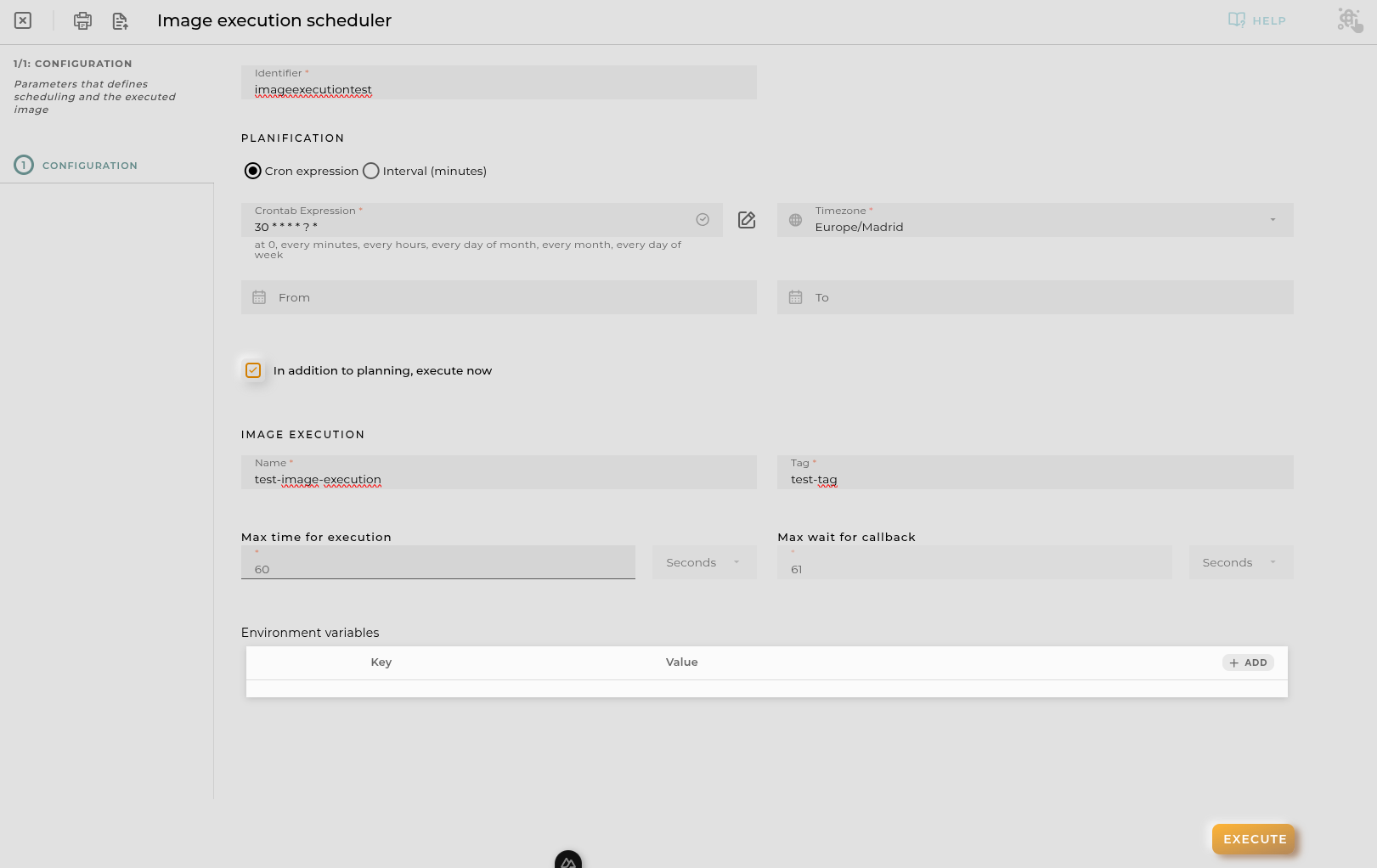
Import/Export Configuration
Allows you to import and export the wizard’s configuration via JSON.
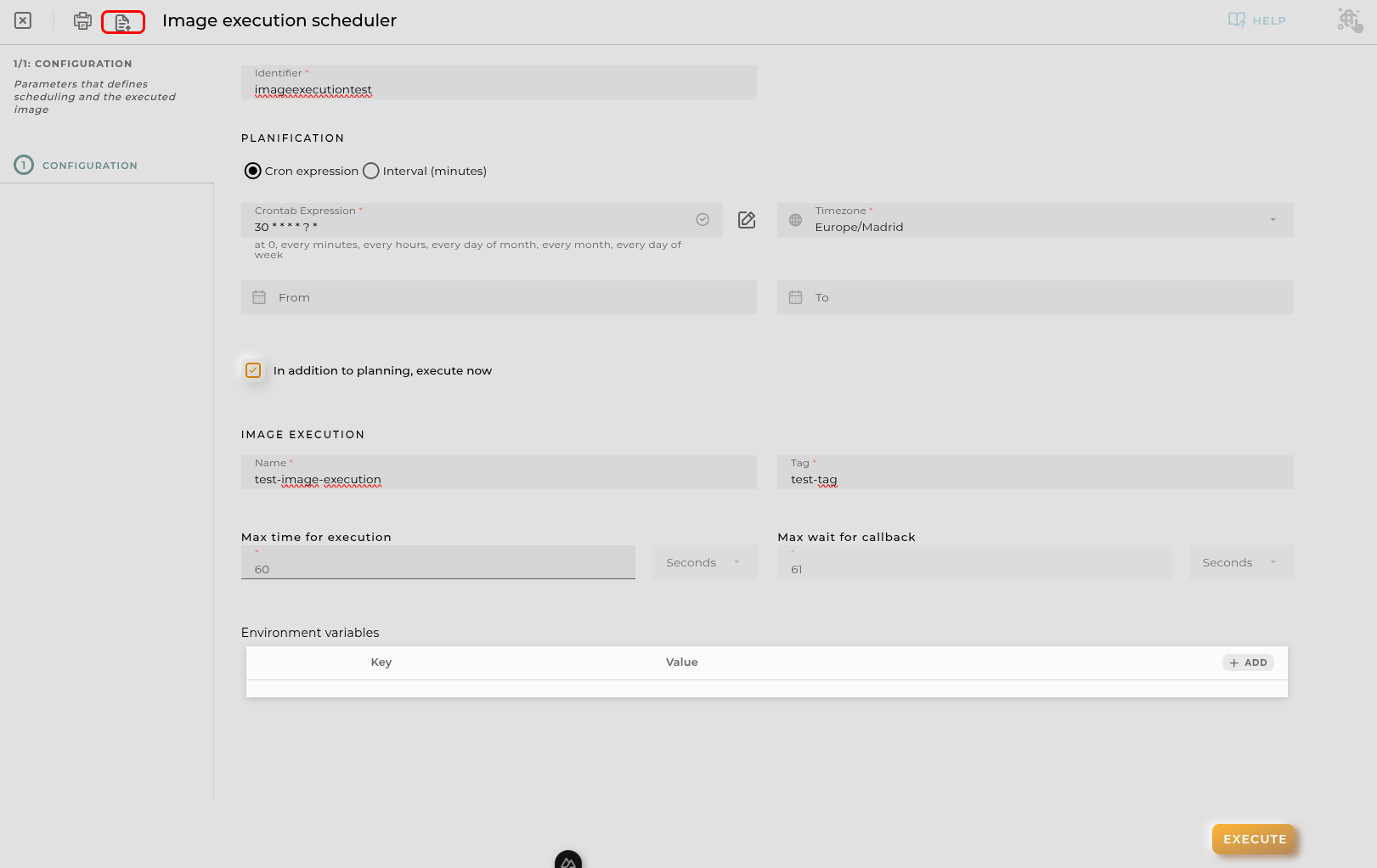
When accessing the import and export functionality, it displays a window with various actions. Additionally, it presents the configuration of the wizard in JSON format.
The available actions are as follows:
- Upload Json: Uploads a JSON file and replaces the previous JSON configuration.
- Paste from clipboard: Pastes JSON data from the clipboard and replaces the previous JSON configuration.
- Download Json: Downloads the JSON configuration as a file with the wizard’s name.
- Copy to clipboard: Copies the JSON configuration to the clipboard.