Operations Launcher Wizards
This wizard allows us to manage custom operation launchers for the existing operation types.
Steps
Administrative Data
Principal and administrative data for the Custom Operation View. Title and icon will be the visible parts in menus.
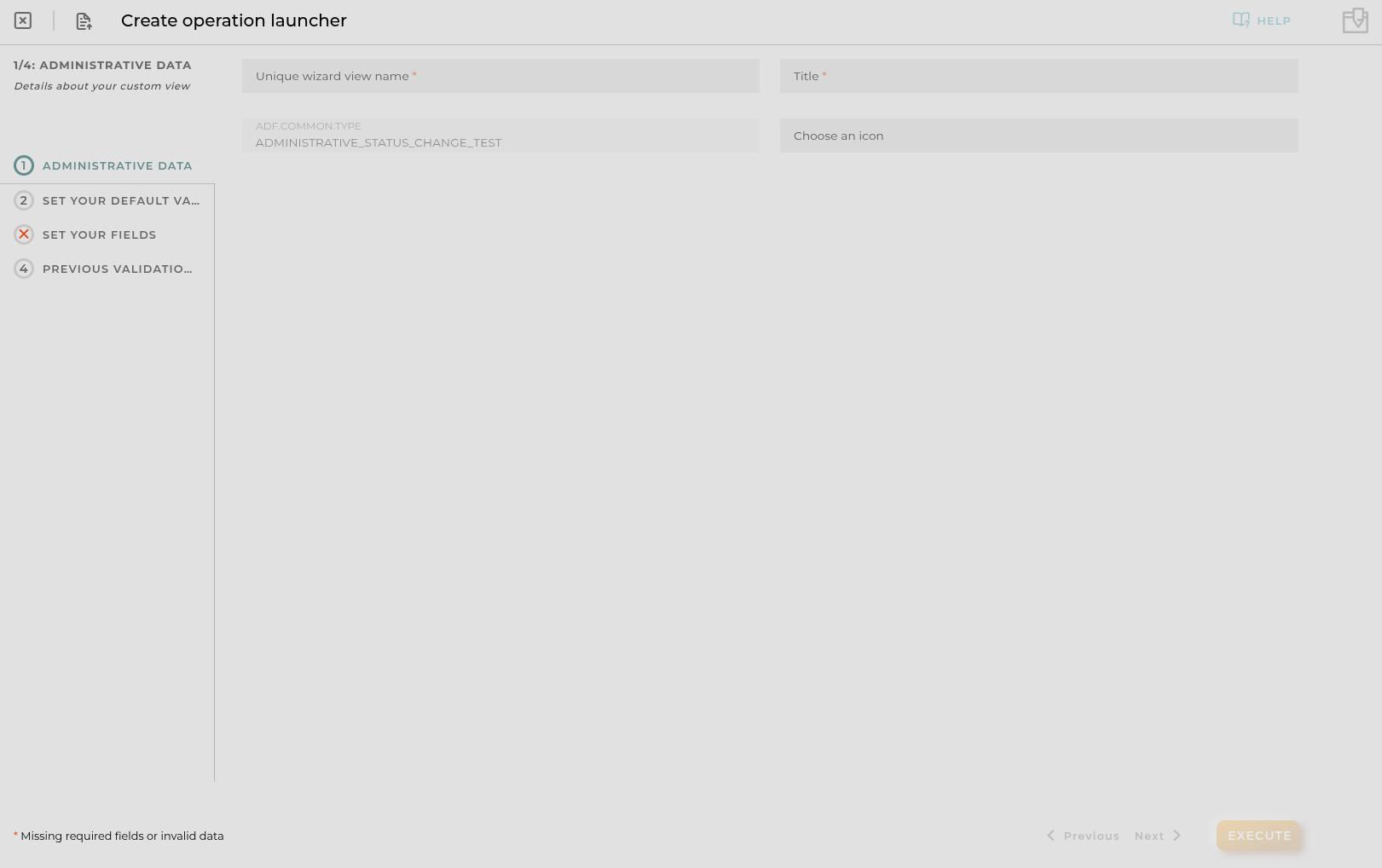
Set Your Default Values
Here you can configure default values for the operation that will be executed within this custom view.
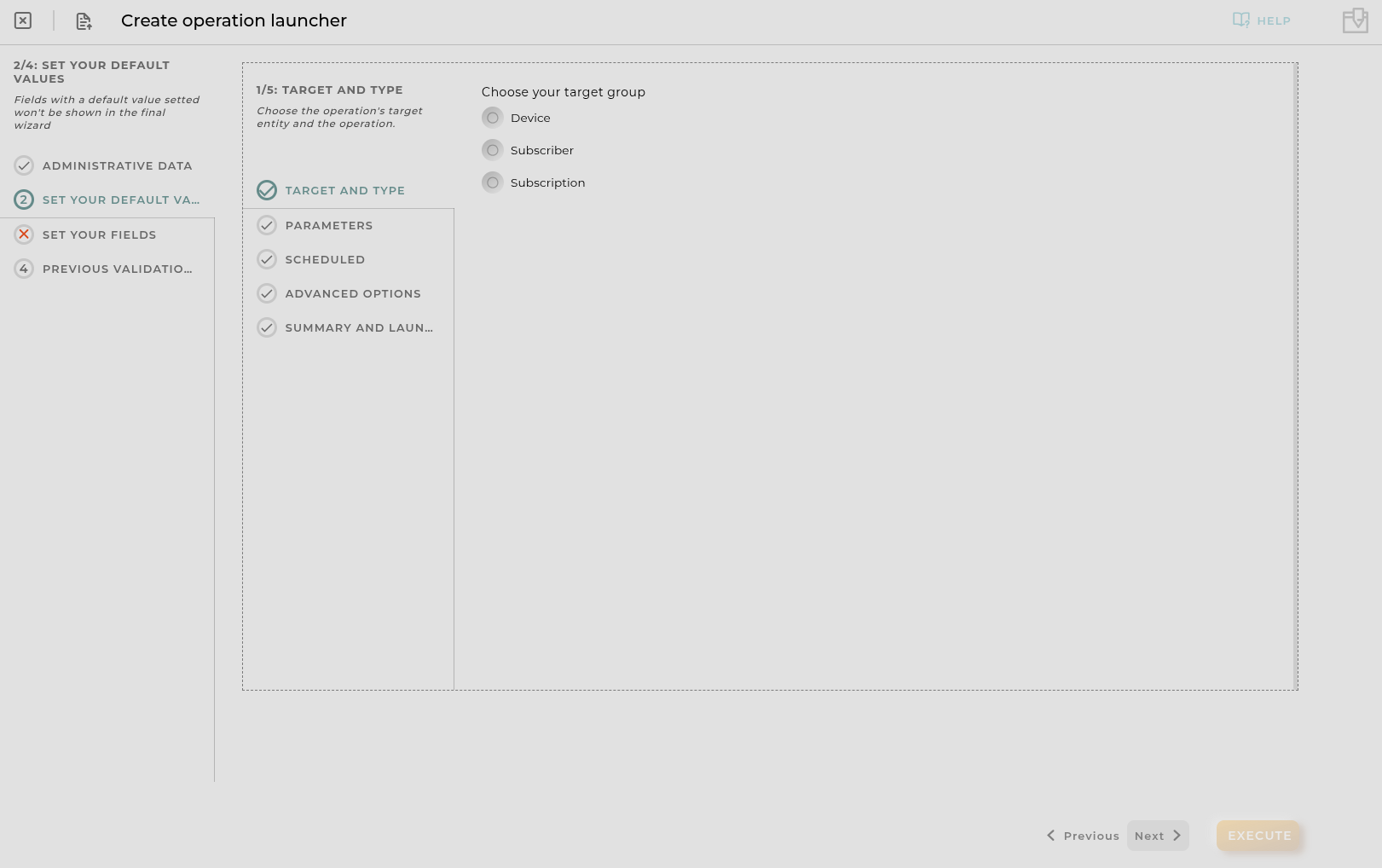
Set Your Fields
Here you can configure visible steps and fields for the operation execution wizard.
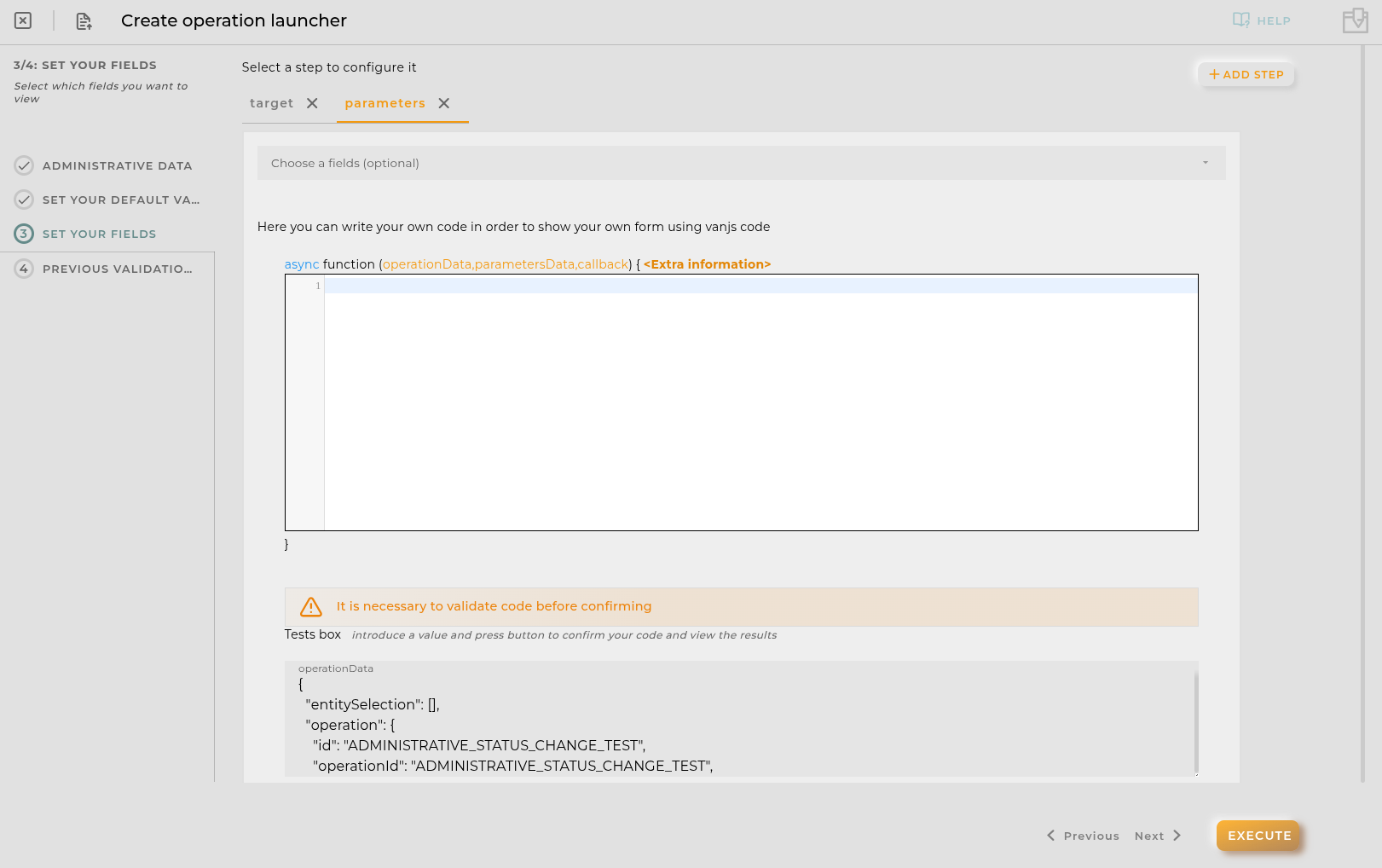
Configuring parameters Step
If your operation has parameters you can personalize Parameters Step using your own javascript sniplet with vanjs. Here you can define how the parameters step is displayed and how the data is introduced.
The code is encapsulated in a function that receives as parameters: operationData,parametersData,callback
- operationData contains the data of the operation that is being executed in json format.
- parametersData is an object that contains the parameters of the operation.
- callback is a function that must be called in order to paint the vanjs form created.
Example:
Available utils
$api -> use it to create http petitions to OpenGate Api Rest doc
$user -> Logged user
Example:
$moment -> use it to format date doc
console -> display messages in navigator console
Promise -> allows easy execution of multiple promises
http -> javascript encapsulation of a useFetch (Nuxt 4) instance doc. Returns { data, error, status, refresh, clear } where data and error are reactive Refs.
isFormValid(boolean, parametersValues): use it to (in)validate the form and send the final parameters object
alert: alert navigator method
van: A vanjs instance (https://vanjs.org/)
vanui: A vanui instance (https://vanjs.org/)
Previous Validations
Create validations that will be executed before the execution of the operation.
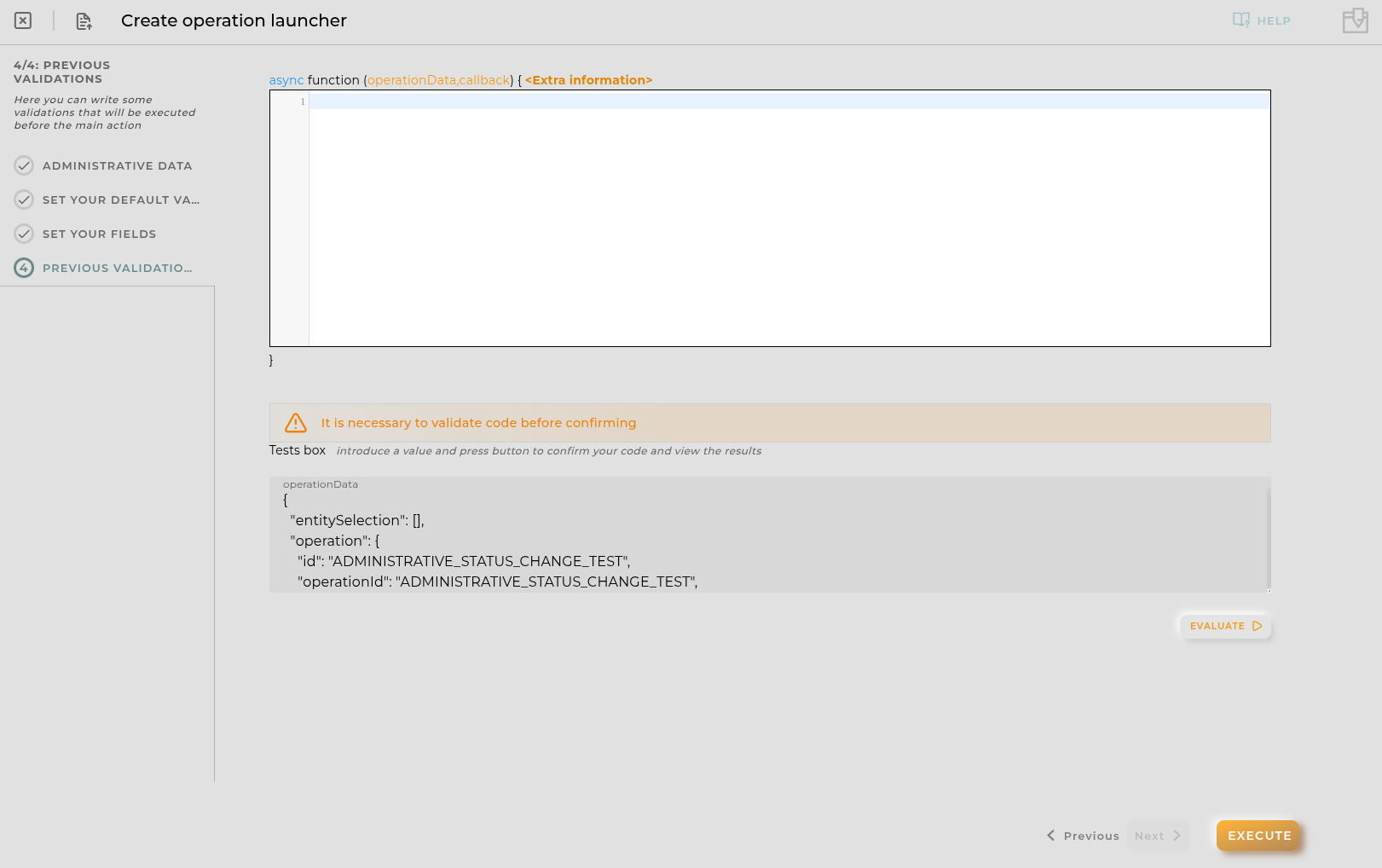
Callback must be called in order to validate the introduced data:
callback(boolean result, array messages)
- result must be true or false in order to determine if continue the execution
- messages contains strings to be shown to the execution log